Skip to content
Use cases

What you can do with FxAI

FxAI is built for everyday people with a camera roll and a moment they want to look its best. Here are the real scenarios where it shines — and the exact problem it solves in each.

Selfie & portrait takers

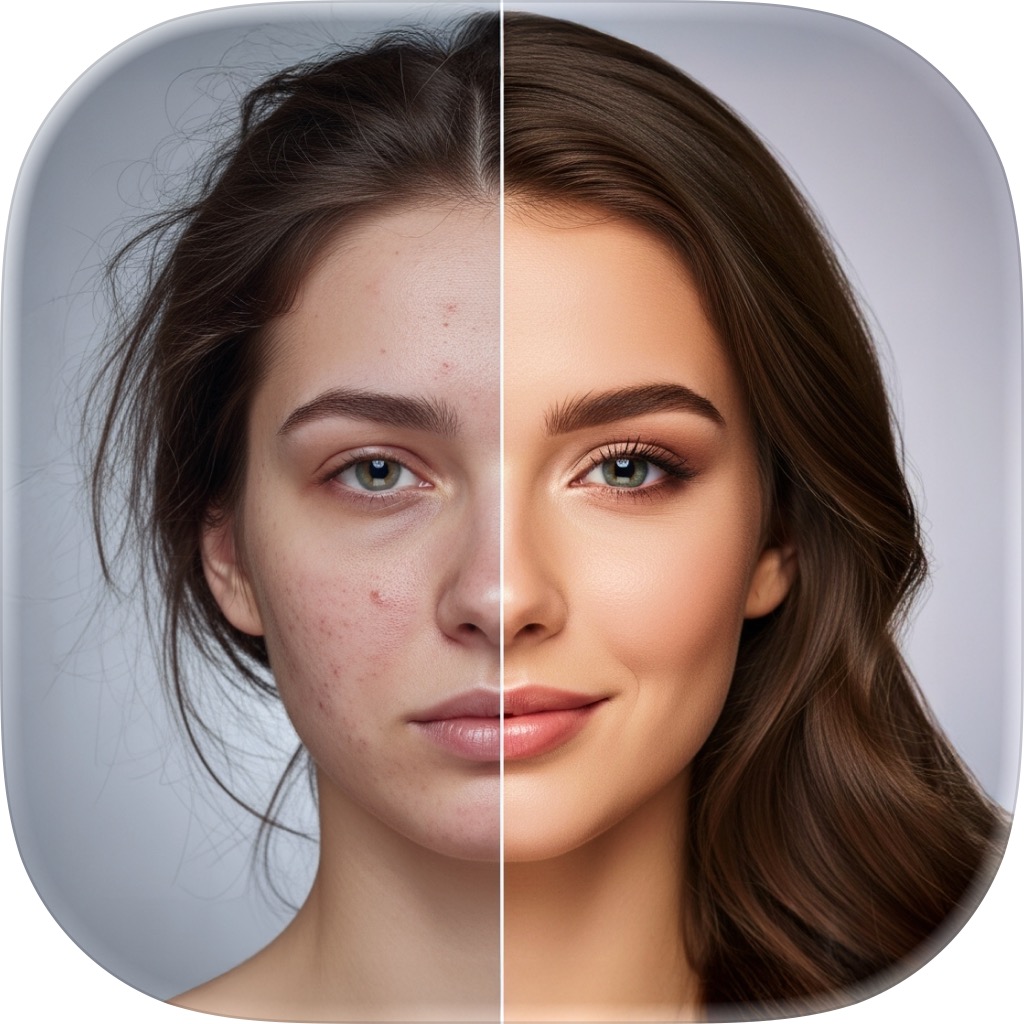
Selfies and portraits that look their best

The problem — Your photo is good, but the lighting is flat and you'd love a more polished, studio-quality version without hiring a retoucher.

With FxAI — Open Retouch, pick Natural, Enhanced, or Studio strength, and FxAI smooths skin and balances lighting in one tap.

Turn a quick phone selfie into a flattering, studio-lit portrait for your profile picture in about ten seconds.

Explore AI Retouch
Families & nostalgia seekers

Restoring old and damaged family photos

The problem — You have precious old prints that are blurry, faded, or black-and-white, and no idea how to bring them back to life.

With FxAI — Use Restore to unblur, repair, or colorize the image — sharpening detail and adding realistic color automatically.

Scan a grandparent's black-and-white photo, tap Colorize, and see it in lifelike color for the first time.

Explore Photo Restore
Creators & social media users

Scroll-stopping social media content

The problem — You need every post to look polished, but editing each photo in a pro app before it goes up takes far too long.

With FxAI — Retouch, edit, or clean up any shot in seconds, then share it straight to any app from the native share sheet.

Retouch a photo, erase a distraction in the background, and post to your Story in under a minute.

Explore AI Retouch
Everyday photo editors

Removing objects, people, and blemishes

The problem — A photobomber, a stray sign, or a blemish is spoiling an otherwise great photo, and cutting it out by hand is fiddly.

With FxAI — Brush over whatever you want gone in Erase and FxAI fills the gap seamlessly, so the distraction simply disappears.

Erase a stranger walking through your vacation shot and keep the scenery perfectly intact.

Explore AI Erase
Casual editors & the AI-curious

Creative changes without Photoshop

The problem — You want to change one thing — an outfit, the background, the season — but professional editors are intimidating.

With FxAI — Describe the change in plain English with AI Edit and FxAI applies it, then keep refining step by step until it's right.

Upload a portrait and type “add sunglasses and change the background to a beach at sunset.”

Explore AI Edit
Anyone with a camera roll

A quick clean-up before every post

The problem — You take a lot of photos and wish each one looked a little more finished before it lands on a profile or in a chat.

With FxAI — Make FxAI the last stop before you post — a fast retouch, a quick erase, or a small edit turns a snapshot into a keeper.

Give a group photo a light retouch and erase a background distraction before sending it to the family chat.

Explore Photo Restore
Problems solved

If you've ever thought one of these, FxAI is for you

  • “My selfie is fine but it could look so much better.”
  • “This old family photo is blurry and I'd love to fix it.”
  • “There's a photobomber ruining an otherwise perfect shot.”
  • “I want to change something in a photo but Photoshop is overwhelming.”
  • “I just want a great result fast, on my phone, ready to share.”

Make your photo better

Whatever you're trying to fix or improve, FxAI turns it into a polished, share-ready image in seconds. Download free.

Rated 4.8 by 2M+ happy users