FAQ
Frequently asked questions
Everything you might want to know about FxAI — from how each tool works to FxAI Pro, privacy, and billing.
Getting started
What is FxAI?
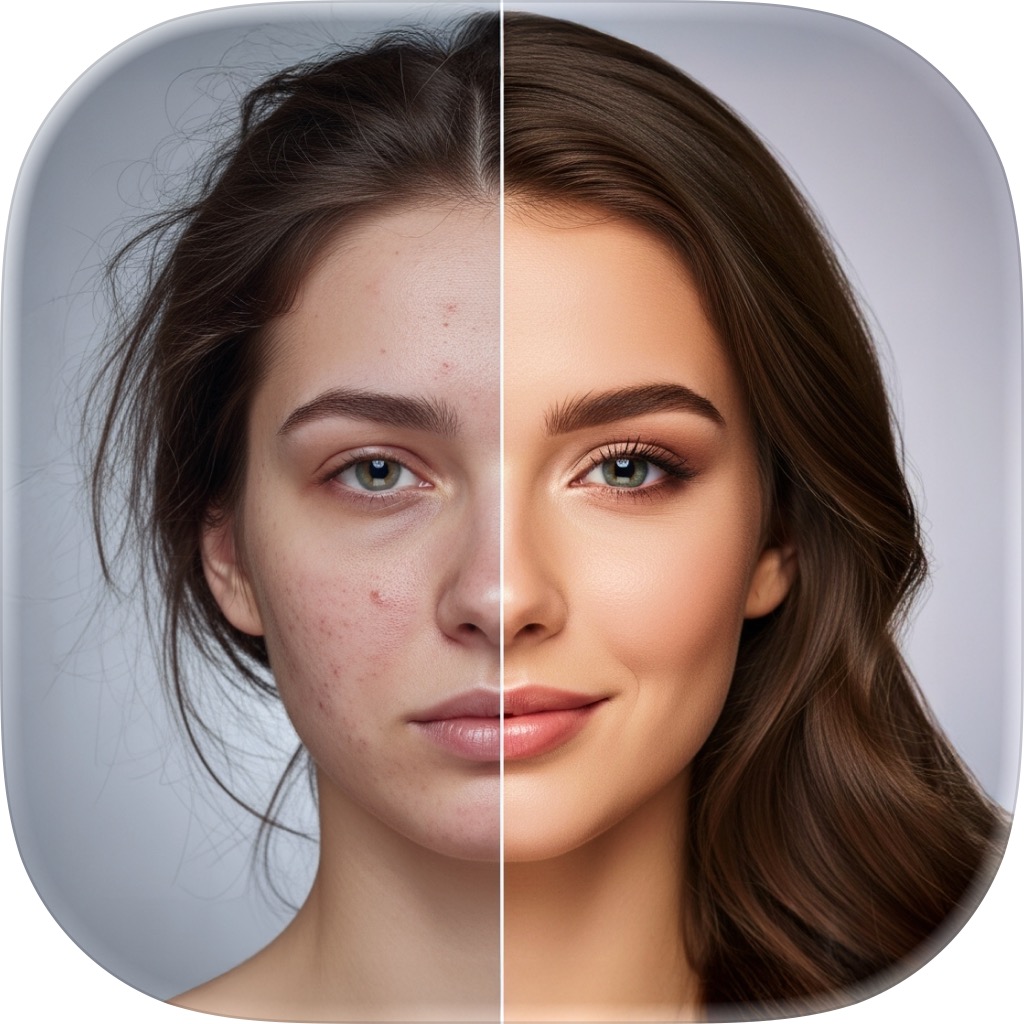
FxAI is an all-in-one AI photo enhancer for iPhone and iPad. It bundles four tools — Retouch, Restore, Edit, and Erase — into one simple app. You add a photo, tap a button, and get a professionally improved result in seconds, shown on a before/after slider.
Do I need any photo-editing experience?
No. FxAI is built for people with zero editing skill. There are no layers, masks, or sliders to learn — each tool is a single button. Pick a tool, add a photo, and tap once.
Is FxAI free?
Yes — FxAI is free to download and use. The free tier is ad-supported and adds a small watermark to saved images. FxAI Pro removes ads and watermarks, lifts usage limits, and adds priority processing.
Which devices does FxAI support?
FxAI runs on iPhone and iPad. The dark-themed interface adapts to larger screens, so you get a comfortable canvas on iPad as well as your phone.
Do I need to create an account?
No. FxAI has no logins or accounts. You can start enhancing photos immediately, and your Pro status is stored on your device.
The tools
How does AI Retouch work?
Open the Retouch tab, add a portrait, and choose an enhancement level — Natural for a subtle clean-up, Enhanced for a noticeable improvement, or Studio for the strongest, most dramatic finish. Tap Retouch and FxAI smooths skin and balances lighting automatically.
What can Restore do to an old photo?
Restore offers three modes: Unblur sharpens blurry photos into HD clarity, Restore repairs old or degraded pictures, and Colorize adds realistic color to black-and-white images. Pick a mode, tap Restore, and compare the result on the slider.
How does AI Edit work?
In the Edit tab you add a photo and describe the change you want in plain English — for example “add a red hat” or “change the background to a beach”. FxAI applies it, and each edit builds on the last so you can refine step by step. You can attach reference photos and regenerate variations, too.
How do I remove an object with Erase?
Open Erase, add a photo, switch to Erase mode, and brush over the object, person, or blemish you want gone. FxAI fills the gap seamlessly. You can pan and zoom to work precisely and undo any stroke before saving.
FxAI Pro & billing
What does FxAI Pro include?
Pro unlocks unlimited generations across all four tools, removes ads and watermarks, and adds priority processing for faster results. It turns FxAI into unlimited, uninterrupted, watermark-free enhancement.
How much does FxAI Pro cost?
FxAI is free to download. Pro is an optional upgrade offered as a weekly plan and a quarterly “Best value” plan, both with a free-trial option. Prices are localized by the App Store and shown in the app before you subscribe.
Can I cancel anytime?
Yes. All plans are auto-renewing and can be cancelled anytime from your Apple ID subscription settings. FxAI also supports Restore Purchases to re-apply an active subscription on your device.
Does my subscription sync across devices?
Pro status is stored per device, so there's no cross-device account. You can use Restore Purchases to reactivate an existing subscription on the same device.
Privacy & safety
Is FxAI private?
FxAI asks for Apple's App Tracking Transparency permission before any ad or analytics tracking, and there are no user accounts to manage. Your Pro status stays on your device. See the Privacy page for a plain-language overview.
Are there content-safety measures?
Yes. In the Edit tool, prompts are screened and unsafe requests are blocked with a guidelines message before they're sent, helping keep the app appropriate for everyone.
Will my saved images have a watermark?
Images saved or shared on the free tier carry a small FxAI watermark. Upgrading to FxAI Pro removes the watermark from every image you export.
Still have a question?
Reach the team directly and we'll help you get the most out of FxAI.
Rated 4.8 by 2M+ happy users