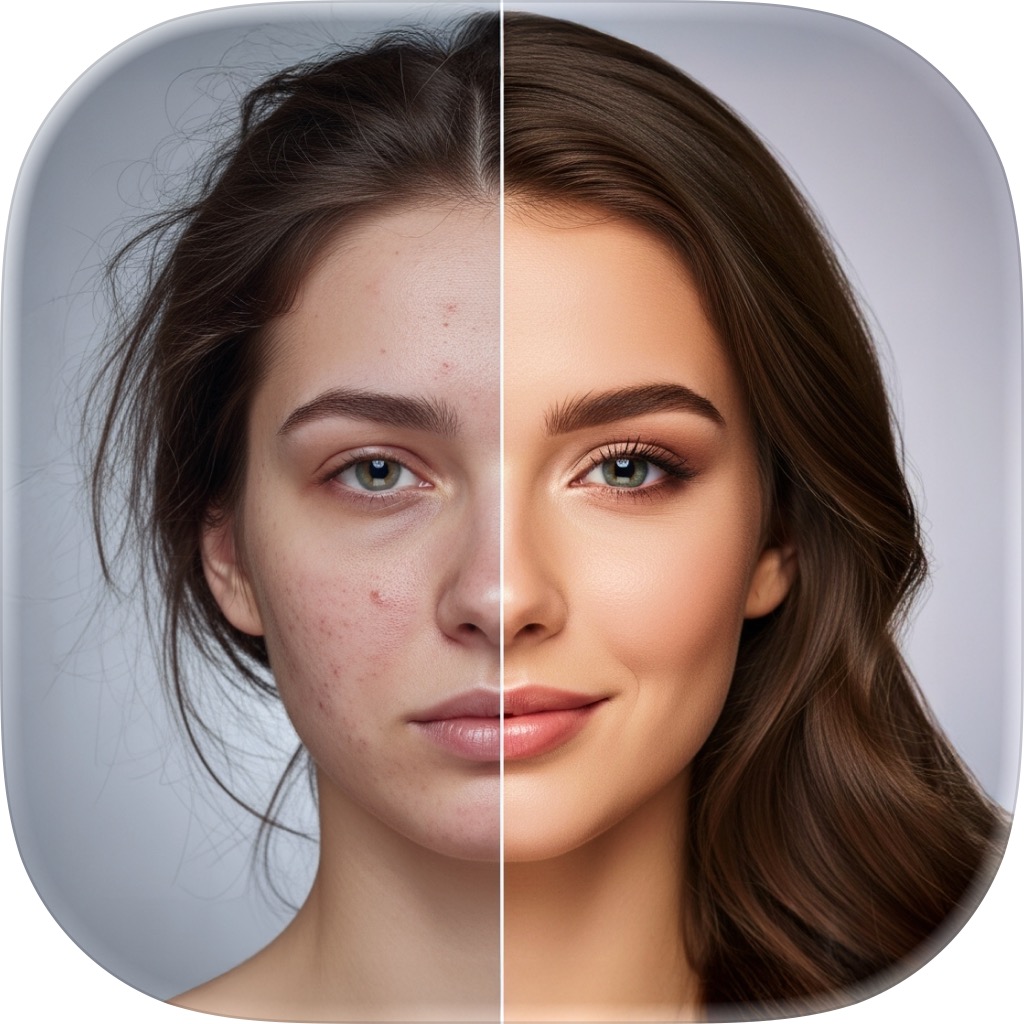
AI Erase — remove anything with a brush
Brush over an unwanted object, person, or blemish and FxAI fills the gap seamlessly. Pan and zoom to work precisely, undo any stroke, and export a clean, distraction-free photo.
Make distractions disappear
One stranger, one stray sign, one blemish can spoil an otherwise perfect photo — and cutting it out by hand is fiddly and slow. With Erase you simply paint over what you want gone, and FxAI rebuilds the background behind it so nothing looks touched.
- Brush to remove objects, people, or blemishes
- Seamless AI fill with no smudge left behind
- Move / Erase toggle for panning and zooming
- Undo and revert through your erase history
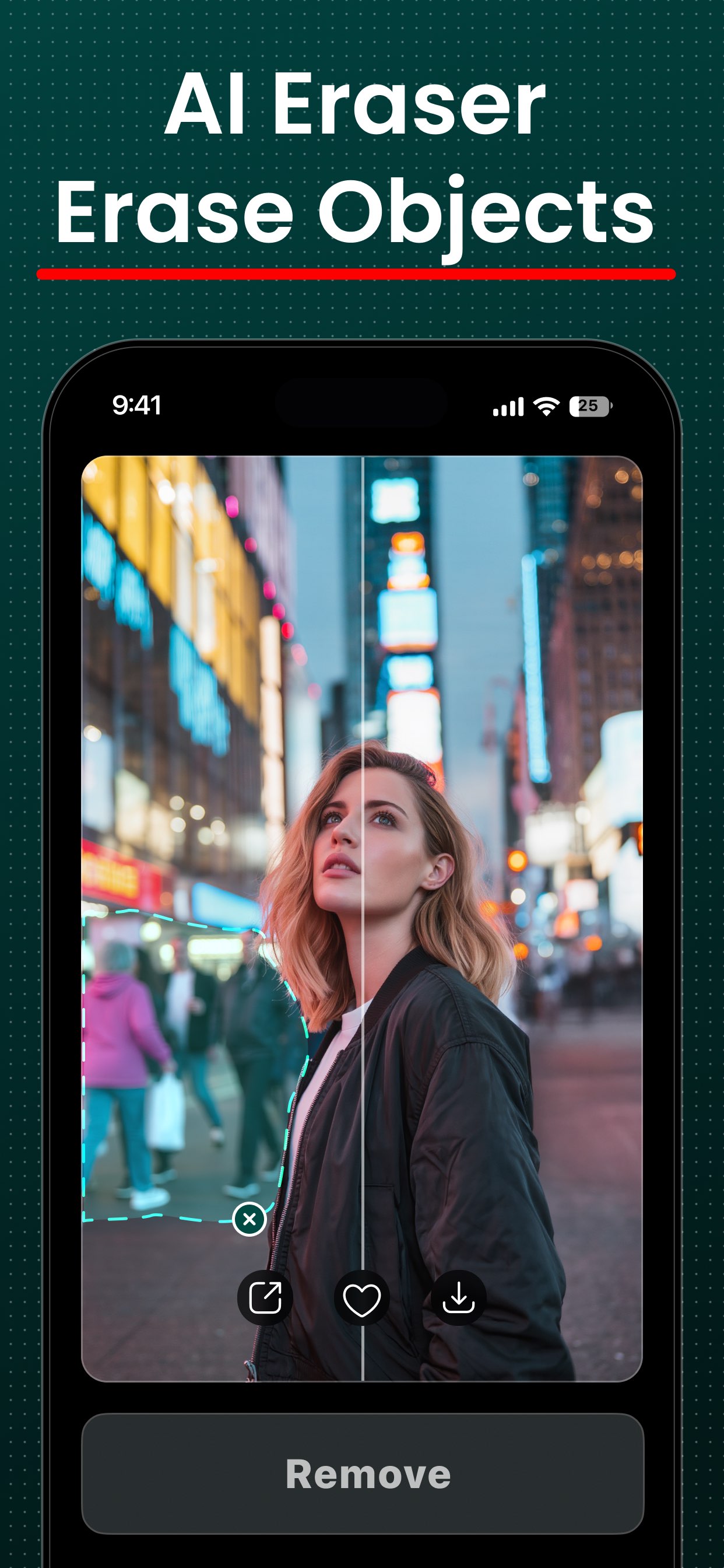
Paint it out in four taps
- 1
Add a photo
Pick the image you want to clean up from your library.
- 2
Switch to Erase
Use the Move / Erase toggle to pan and zoom, then switch to Erase to start painting your mask.
- 3
Brush over it
Paint over the object, person, or blemish you want gone. Lift your finger and FxAI fills the gap seamlessly.
- 4
Undo or save
Step back through your erase history if needed, then export a clean, distraction-free photo.
AI Erase questions
How do I remove an object with AI Erase?
Can it remove a person from a photo?
What if I brush over too much?
Does it work on blemishes and small distractions too?
More FxAI tools
Four professional-grade tools, one simple app. See what else your photos can become.
Clean up a photo free
Download FxAI and brush away anything you don't want in your shot.
Rated 4.8 by 2M+ happy users