Everything FxAI can do to a photo
FxAI is a pocket-sized photo studio. Four AI tools, a consistent tap-and-go flow, and a before/after slider on every result — all wrapped in a friendly interface that needs no editing skill.
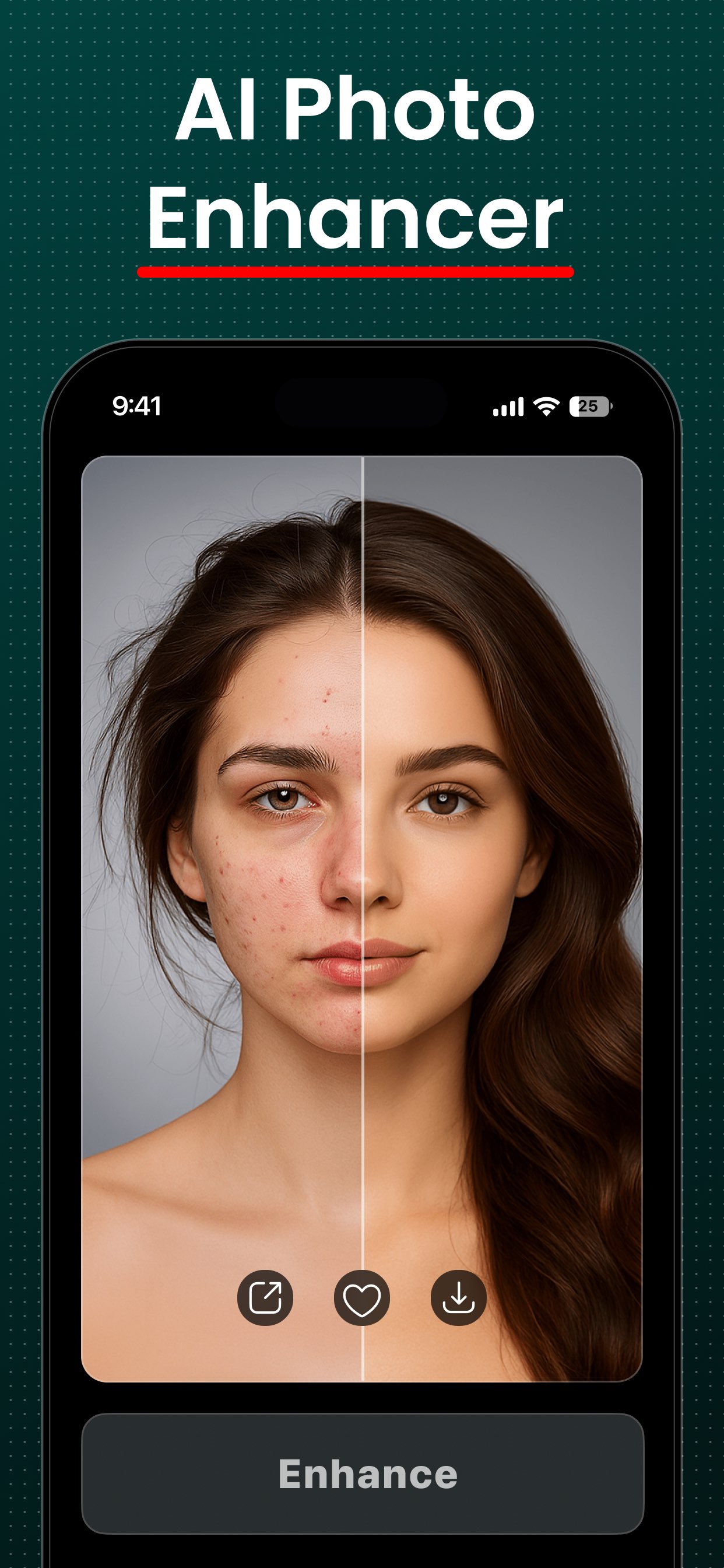
Retouch — studio-grade portraits, one tap
Add a portrait, choose Natural, Enhanced, or Studio strength, and FxAI smooths skin and balances lighting automatically. The before/after slider makes the improvement obvious.
- Three enhancement levels for total control
- Flattering, natural-looking skin and light
- Great for selfies, profile pictures, and posts
- Keeps your likeness intact
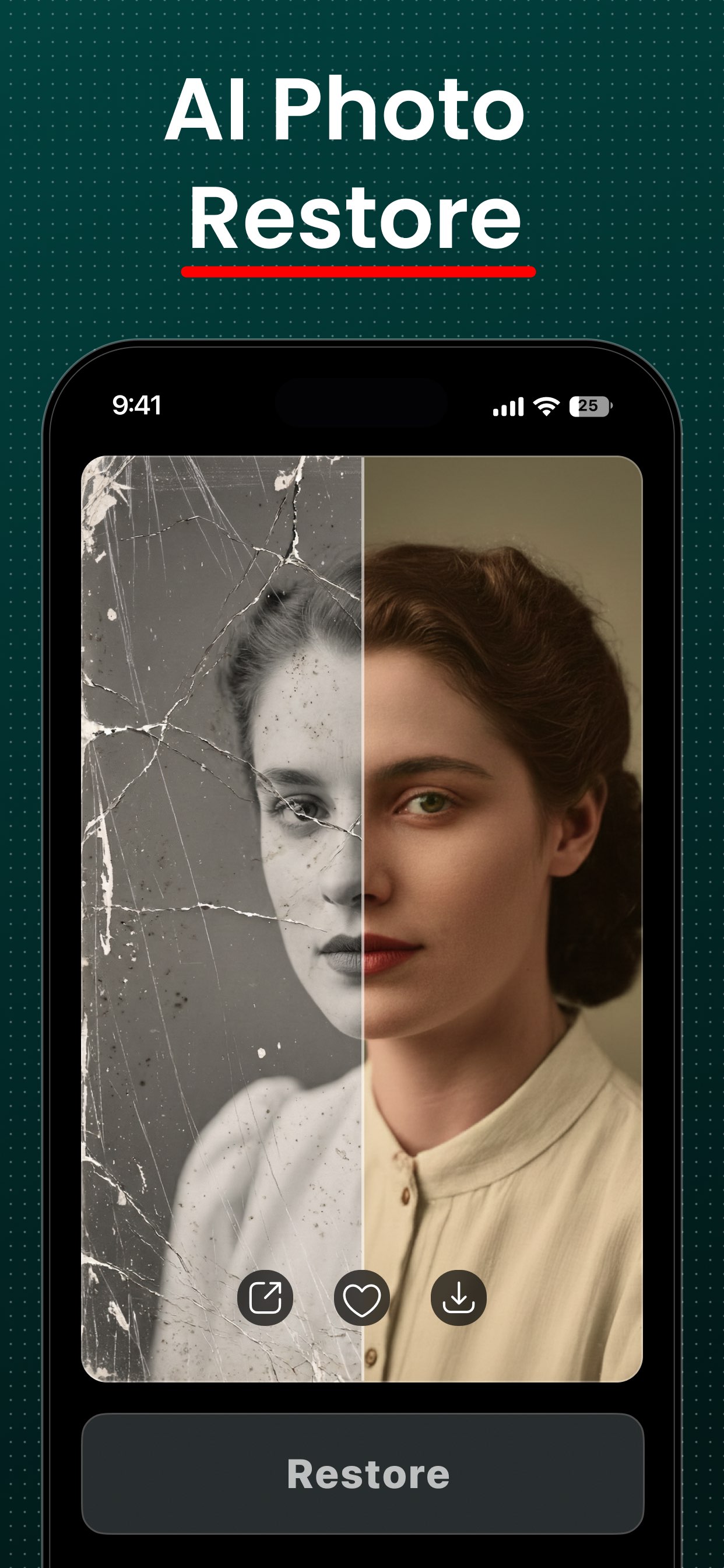
Restore — revive old and damaged photos
Three modes cover the most common repairs: Unblur sharpens soft shots into HD, Restore fixes old or degraded prints, and Colorize adds realistic color to black-and-white images.
- Unblur, Restore, and Colorize modes
- Sharpen, repair, and recolor in one place
- Ideal for scanned prints and old family photos
- Emotional payoff, zero effort
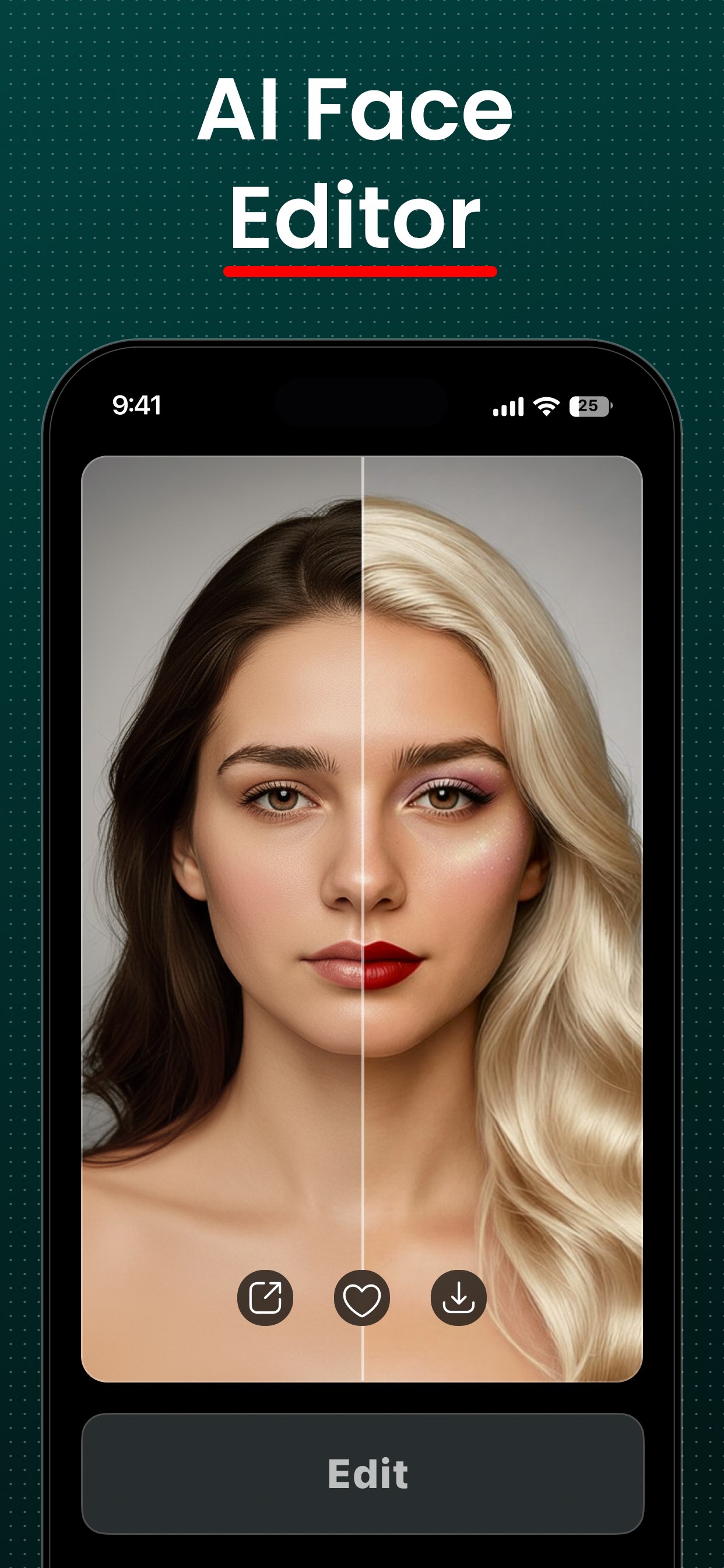
Edit — describe the change, FxAI does it
Set a photo and type what you want changed in plain English. Each edit builds on the last, so you can layer changes step by step, attach reference photos, and regenerate variations.
- Natural-language edits — no controls to learn
- Iterative editing that remembers your instructions
- Reference photos to guide the result
- Prompt enhancement and content safety built in
Erase — brush away anything unwanted
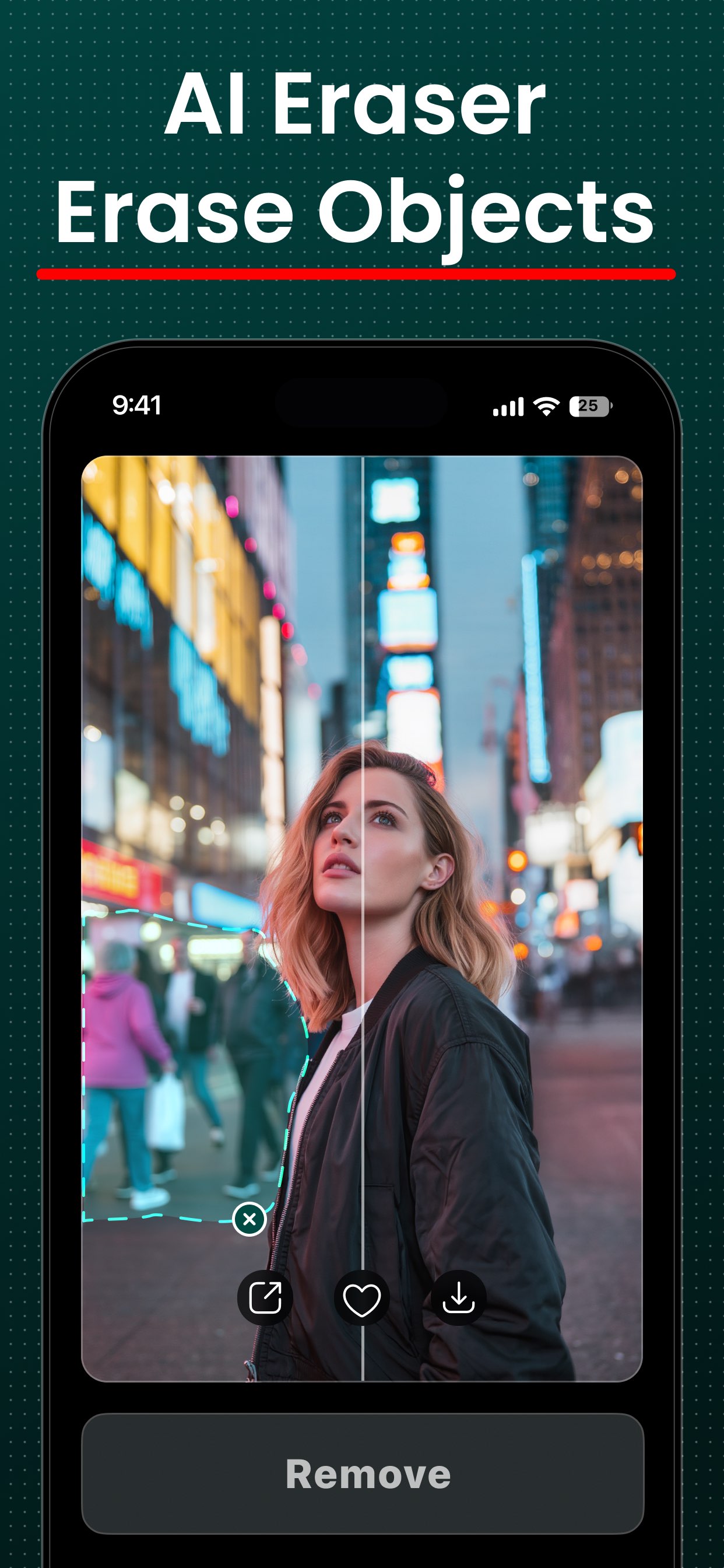
Switch to Erase mode, brush over the object, person, or blemish you want gone, and FxAI fills the gap seamlessly. Move and zoom to work precisely, and undo any stroke.
- Paint-style mask to mark what to remove
- Seamless AI fill with no smudge left behind
- Move / Erase toggle for panning and zooming
- Undo and revert through your erase history
Polished output, exactly where you want it
No matter which tool you use, every creation flows into the same delightful result experience.
Before / after slider
Every result opens on a draggable slider so the improvement is instantly, undeniably visible — compare the original and the enhanced side by side.
Save & share instantly
Send any result to your Photos library or straight to Messages, Instagram, or anywhere else through the native iOS share sheet.
Zoom, pan & fit
Pinch to zoom into fine detail, pan around the image, and switch between fit and fill to inspect the result exactly how you want.
Fast, reassuring results
A friendly “~10 seconds remaining” countdown keeps you comfortable while the AI works, and Pro adds priority processing for faster results.
The universal FxAI loop
Add a photo, pick a tool and options, tap the button, then compare and save — the rhythm is the same everywhere.
- 01
Add a photo
Tap to open your photo library and pick an image. FxAI scales it to Full-HD automatically for fast, consistent processing.
- 02
Pick a tool & options
Choose Retouch, Restore, Edit, or Erase — then set a strength level, a restore mode, type a prompt, or brush over what to remove.
- 03
Tap the button
Hit Retouch, Restore, Modify, or lift your finger to erase. A quick “~10 seconds remaining” overlay reassures you while the AI runs.
- 04
Compare, save & share
Review the result on the before/after slider, then save it to Photos or share it anywhere in a single tap.
Free to use
Every tool is free — no account, no credit card, no editing skills. The free tier is ad-supported and adds a small watermark to saved images.
See what you can makeUnlimited with Pro
FxAI Pro unlocks unlimited generations, removes ads and watermarks, and adds priority processing — with a free trial and cancel-anytime billing.
Read the FAQDiscover companion apps
FxAI also introduces you to sibling apps for image generation, video, live portraits, and face swap.
Part of AI Photo Journey — a family of AI creativity apps for iPhone and iPad.