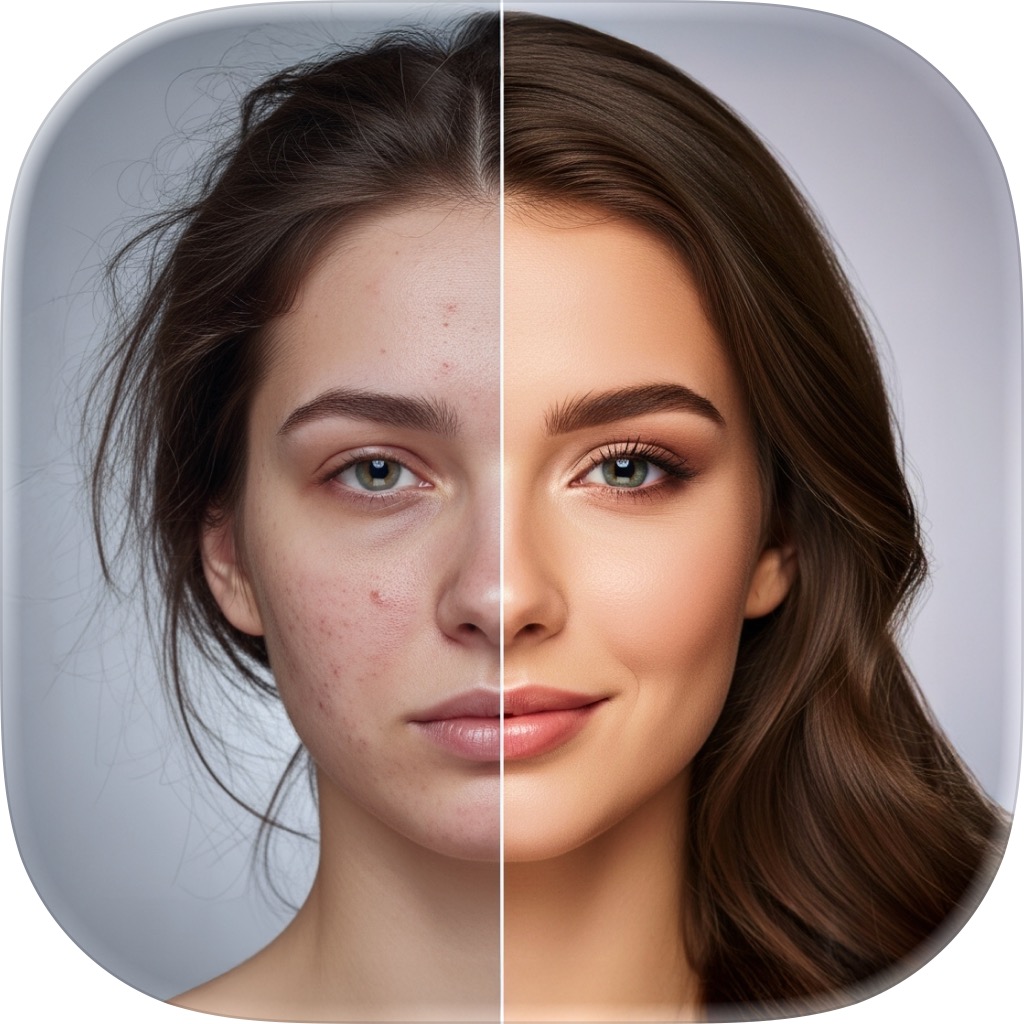
Photo Restore — bring old memories back to life
Repair and revive old, damaged, or low-quality pictures. Sharpen a blurry shot into HD, restore a degraded print, or add realistic color to a black-and-white photo — pick a mode and tap once.
The most emotional tap in the app
A blurry childhood photo, a faded print of a grandparent, a black-and-white wedding shot — the memories are priceless but the images have aged. Restore reconstructs detail, repairs damage, and adds color, so a moment you thought was lost looks vivid again.
- Unblur soft photos into crisp HD
- Restore old, damaged, or faded prints
- Colorize black-and-white images realistically
- Perfect for reviving a whole family archive
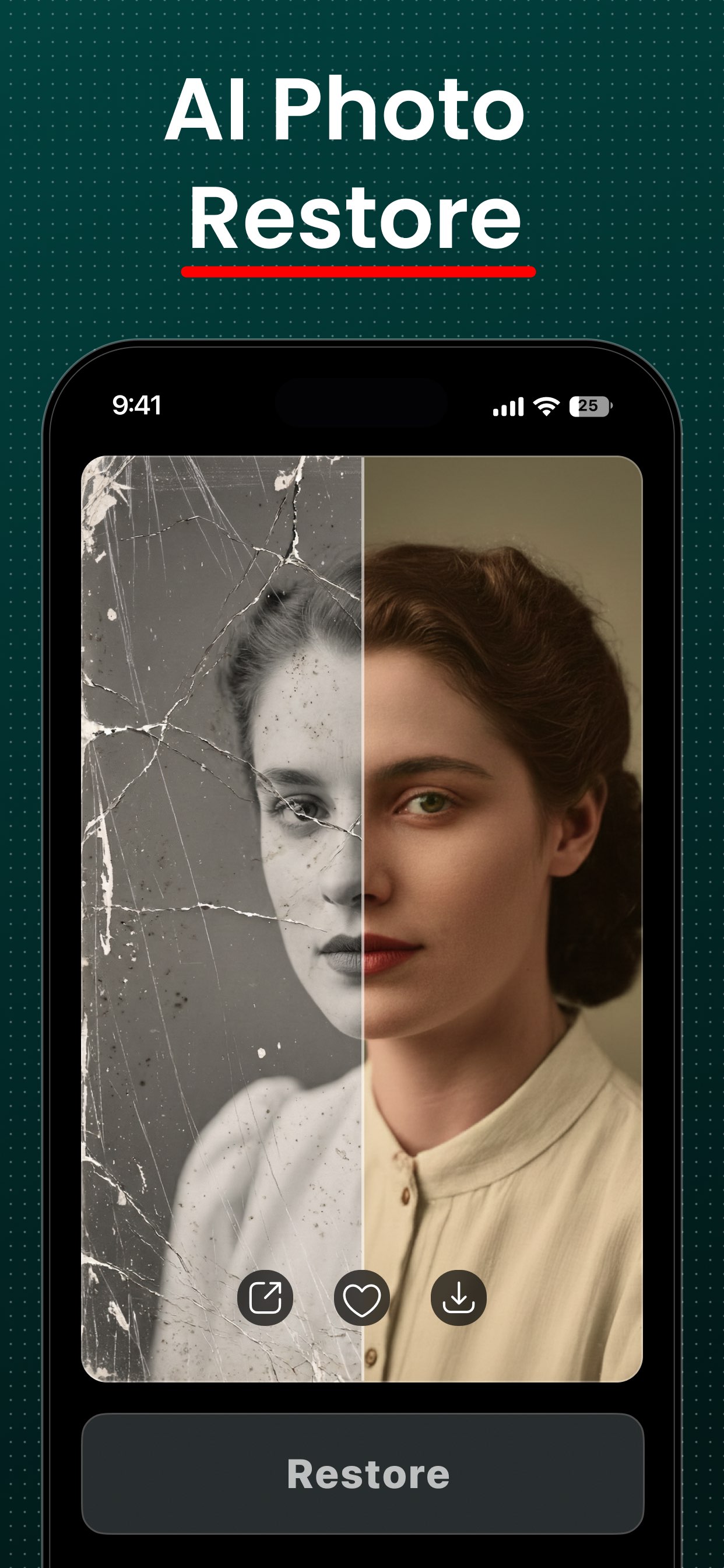
Three modes for three kinds of repair
Choose the fix your photo needs — each mode is a single tap.
Unblur
DefaultSharpen blurry photos into crisp HD clarity.
Restore
Repair and improve old or degraded photos.
Colorize
Add realistic color to black-and-white images.
From faded print to vivid memory
- 1
Add an old photo
Pick a scanned print or an old shot from your library — blurry, faded, damaged, or black-and-white all work.
- 2
Choose a mode
Unblur to sharpen, Restore to repair old or degraded photos, or Colorize to add realistic color to black-and-white.
- 3
Tap Restore
FxAI reconstructs detail, repairs damage, or adds color while you watch a friendly countdown.
- 4
Compare & keep
Drag the before/after slider to see the memory revived, then save it to Photos or share it with family.
Bring the restored photo to life with PicAlive
Once FxAI has repaired and colorized an old photo, take it one step further: PicAlive animates old photos — a smile, a blink, a wave — so the restored memory actually moves. Built by the same AI Journey team.
Photo Restore questions
What can Photo Restore fix?
Can FxAI colorize a black-and-white photo?
Can it unblur a photo?
Do I need to scan my photos a special way?
More FxAI tools
Four professional-grade tools, one simple app. See what else your photos can become.
Restore a memory free
Download FxAI, add an old photo, and watch a lost moment come back to life.
Rated 4.8 by 2M+ happy users