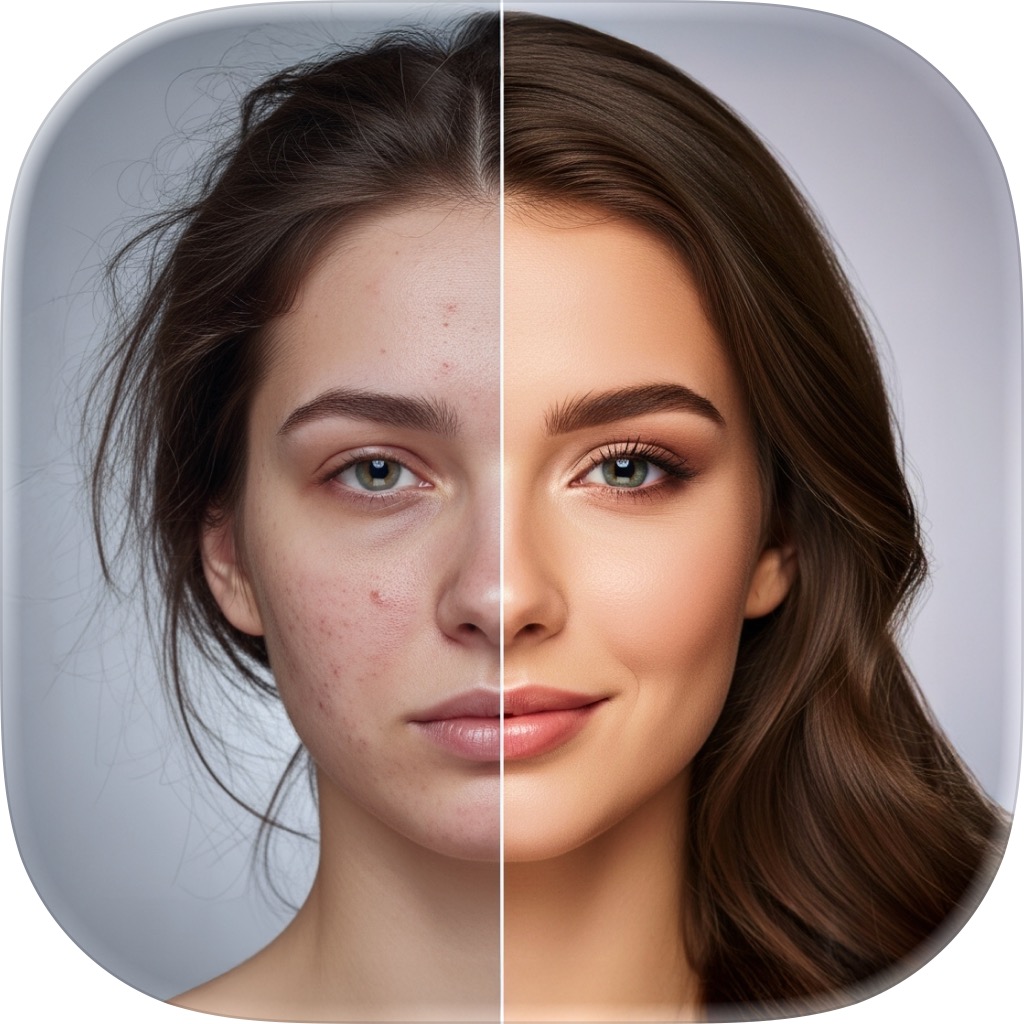
AI Retouch — one-tap portrait enhancement
Smoother skin, balanced lighting, and studio-grade polish — automatically. Add a portrait, pick how strong you want it, and FxAI does the retouching in seconds.
Your best photo, without the retoucher
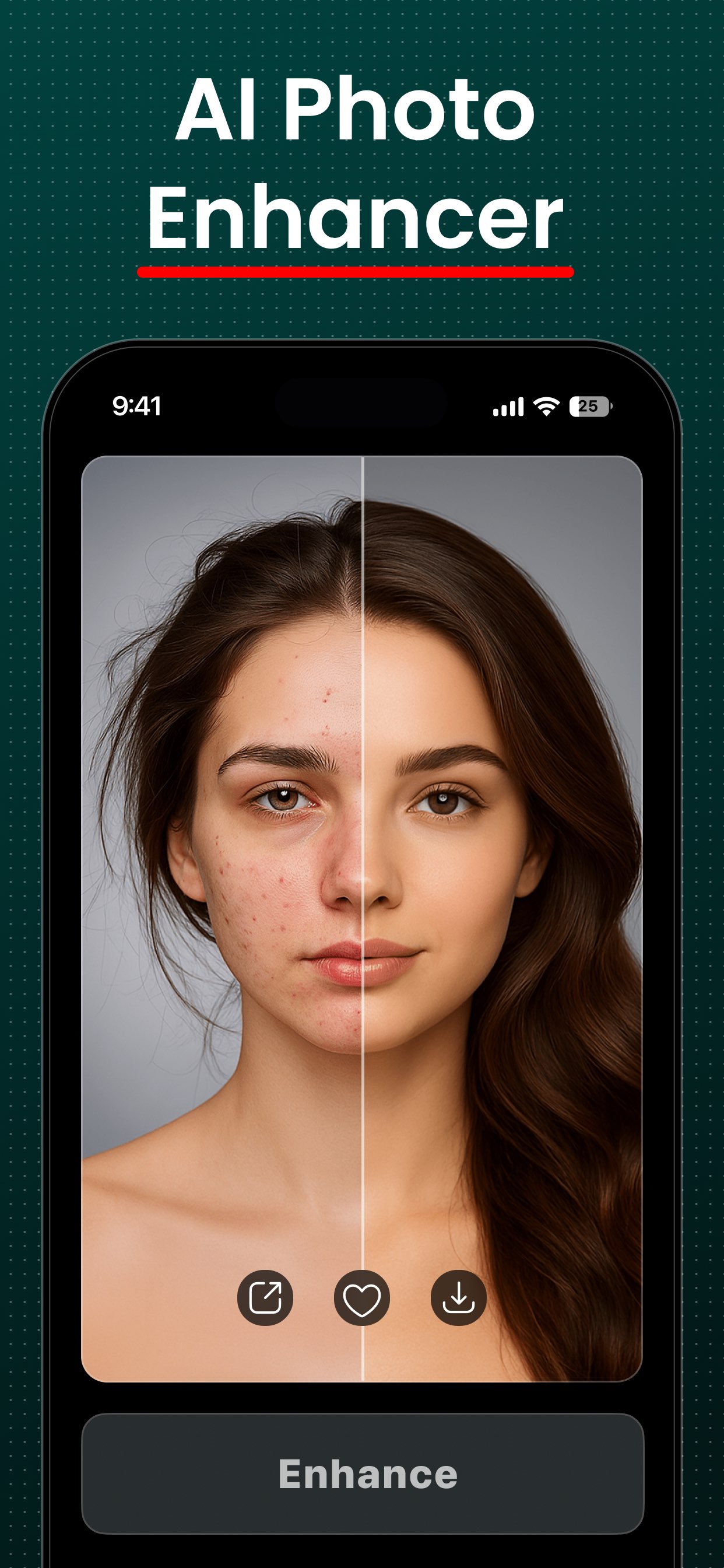
Professional retouching usually means expensive software and real skill. FxAI collapses it into a single button. You bring the photo; it evens skin tone, softens distractions, and lifts the lighting — then proves the improvement with a before/after slider.
- Three strengths: Natural, Enhanced, Studio
- Smoother skin and balanced, flattering light
- Perfect for selfies, profile pictures, and posts
- Your features stay unmistakably yours
Pick exactly how polished you want to look
One control, three looks — dial the enhancement up or down to match the moment.
Natural
A subtle, true-to-life clean-up that keeps every feature yours.
Enhanced
DefaultNoticeably brighter, smoother, and more polished.
Studio
The strongest, most dramatic studio-shot finish.
From selfie to studio shot in four taps
- 1
Add a portrait
Tap to pick a selfie or portrait from your library. FxAI scales it to Full-HD for fast, consistent results.
- 2
Choose a strength
Pick Natural for a subtle clean-up, Enhanced for a noticeable lift, or Studio for the strongest, most dramatic finish.
- 3
Tap Retouch
A quick “~10 seconds remaining” overlay reassures you while the AI smooths skin and balances the lighting.
- 4
Compare & save
Drag the before/after slider to see the difference, then save to Photos or share it anywhere in a tap.
AI Retouch questions
How does AI Retouch work?
What's the difference between Natural, Enhanced, and Studio?
Will I still look like myself?
Can I remove a watermark from retouched photos?
More FxAI tools
Four professional-grade tools, one simple app. See what else your photos can become.
Retouch your first photo free
Download FxAI and turn any selfie into a studio-quality portrait in seconds.
Rated 4.8 by 2M+ happy users